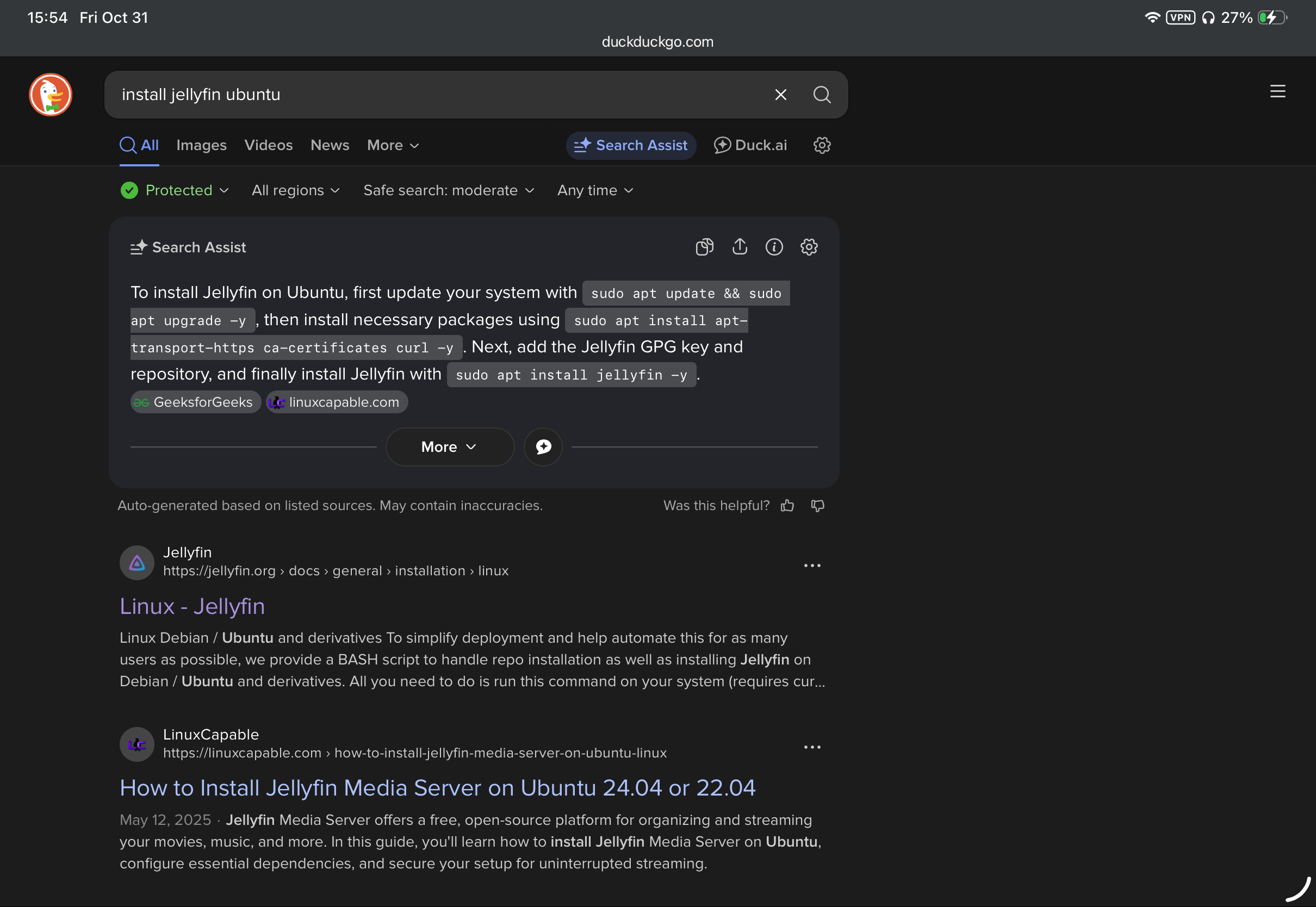
Going to install Jellyfin and for, whatever reason, the main suggestion isn’t the official instructions. Why exactly?
Author: Whitney Krape
-
Ubuntu 25.10 Remote Desktop Auto-Setup
Warning: Potentially Insecure Scripts Below
Following up on a previous post trying to get the x11-less Ubuntu 25.10 set up with GUI management it looks like it’s possible to get Remote Desktop working. (Spice, unfortunately, has not been updated much in a long time and the install command seems to not work.)
This doesn’t work fully yet, still running into keychain issues, but it’s close. On Reddit, user LarkinZero has a script that resets the password on boot. (Below.) Now, this is a keychain change which doesn’t unlock on boot. Trying another script from jdonohoo on GitHub almost works but still getting an error, auto-login on or off.
With both scripts there are potential security issues such as having a password in plaintext and auto keyring unlocking (besides it still not working fully.) Will keep following up on this.
Now I will say, this does seem to unlock via just a couple CLI commands so this might be good enough. Will revisit soon.
Warning: Unorganized below, currently reworking.
Remote Credentials Update.
Keyring unlock script.
```
sudo apt-get install -y gnome-keyring libsecret-tools dbus-x11 vim
```

1. Place your unlock script here:
```
nano ~/.config/unlock-keyring.sh
```
```
#!/bin/bash

export DISPLAY=:0
export XDG_RUNTIME_DIR=/run/user/$(id -u)

password=$(<"$HOME/.keyring_pass")
/usr/bin/gnome-keyring-daemon --unlock <<< "$password"
```

```
chmod +x ~/.config/unlock-keyring.sh
```
2. Create keyring password file
```
vim ~/.keyring_pass
```
```
chmod 600 ~/.keyring_pass
```

3. Create the systemd unit:

```
nano ~/.config/systemd/user/unlock-keyring.service
```

```
[Unit]
Description=Unlock GNOME Keyring
After=graphical-session.target

[Service]
Type=oneshot
ExecStart=%h/.config/unlock-keyring.sh
RemainAfterExit=true
Environment=DISPLAY=:0
Environment=XDG_RUNTIME_DIR=/run/user/%U

[Install]
WantedBy=default.target
```

4. Enable the service:
```
systemctl --user daemon-reload
systemctl --user enable unlock-keyring.service
```
5. Ditch login keyring to make new one on next boot
```
rm ~/.local/share/keyrings/login.keyring
```
Set login passphrase to same as default / what you have in ~/.keyring_pass

Optional test:

```
systemctl --user start unlock-keyring.service
```
Put in
rc.local#!/bin/bash SCHEMA="org.gnome.RemoteDesktop.RdpCredentials" LABEL="GNOME Remote Desktop RDP credentials" USERNAME="abc" PASSWORD="123456" EXPECTED_VALUE="{'username': <'$USERNAME'>, 'password': <'$PASSWORD'>}" echo "Step 1: Clearing old credentials..." secret-tool clear xdg:schema "$SCHEMA" echo "Step 2: Storing new credentials..." echo -n "$EXPECTED_VALUE" | secret-tool store --label="$LABEL" xdg:schema "$SCHEMA" echo "Step 3: Verifying stored credentials..." RESULT=$(secret-tool lookup xdg:schema "$SCHEMA") if [ "$RESULT" == "$EXPECTED_VALUE" ]; then echo "Success: Stored credentials match the expected value." exit 0 else echo "Error: Stored credentials do not match the expected value." exit 1 fiUpdated and Retried on 25.10 11/14/25
-
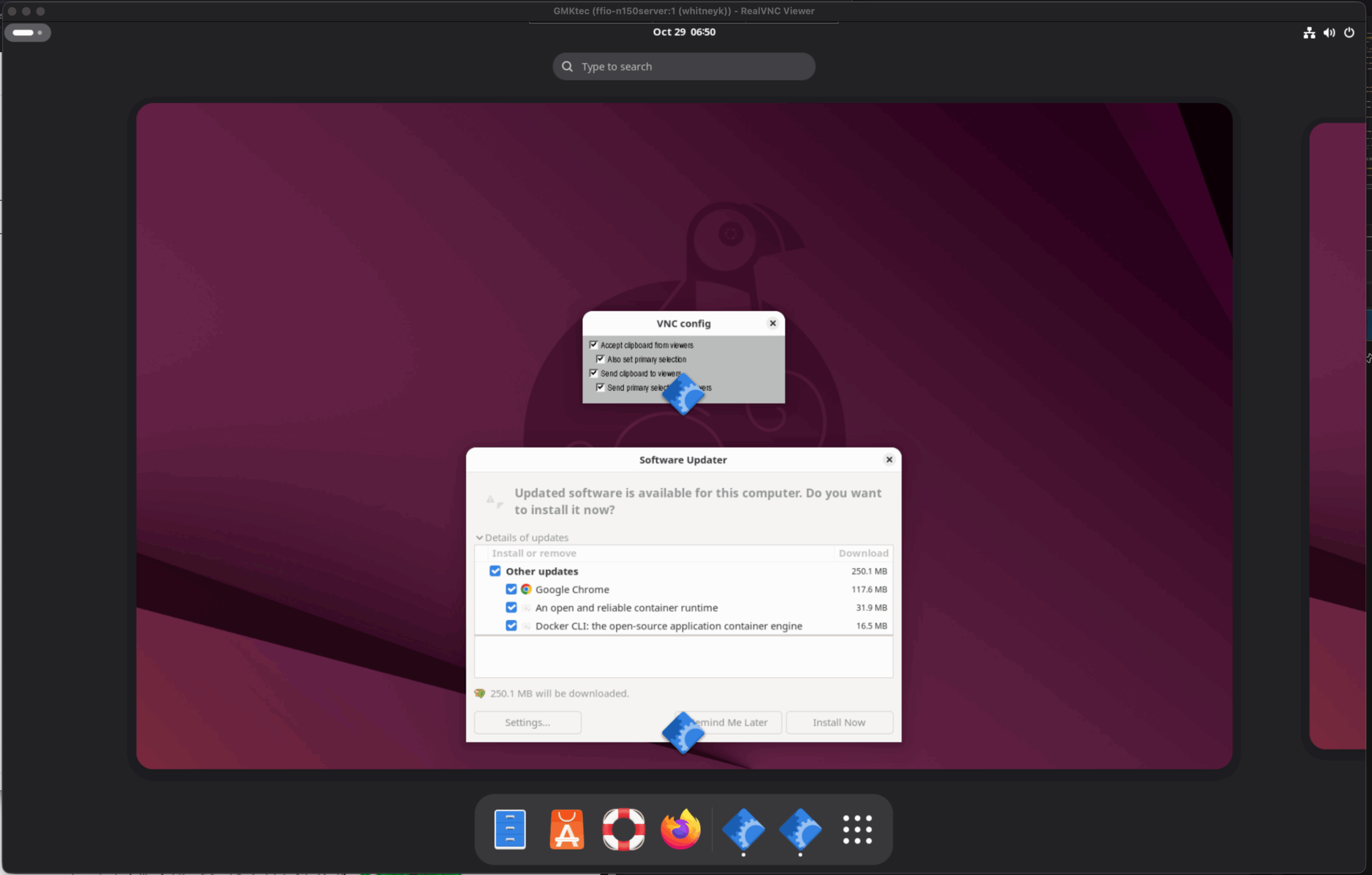
No x11 in Ubuntu 25.10 means no (easy) VNC
While my 2-3 local Ubuntu servers are mostly managed via SSH CLI, it is helpful to have visual access particularly for programs that need mouse interaction. With Ubuntu 25.10, Canonical is moving away from x11 (for a variety of reasons.)
Now Ubuntu can use the RDP (Remote Desktop Protocol) but the password rotates on reboot which, makes things difficult.
Maybe Spice would work?
(To be followed up on.)
Updated and Retried on 25.10 10/29/25
-
Python starting place
Python has been around for 34 years and is a great language for both high level app building and quick scripts. I’ve started a few projects using it but haven’t published anything. For a starting place I went to the beginners guide at https://www.python.org/about/gettingstarted/ but the recommendations are a very broad list where I was hoping there would be a few sample prompts to start building a project with. Coming up with a a few of those sounds like a good starting place:
- EV or Battery Calculator.
- API for… (APIs are always great starting projects.) Maybe a simple ask and response.
- Wonder what kind of game could be build. Maybe Python backend, JS frontend of some kind.
Here we go.
-
Have panels that sit for more than a day? Get DC Plug Caps
With DIY, quite often there are solar panels that wait a little while before getting put into service. Getting a pack of MC4 caps is cheap and saves a load of headache. Just a quick PSA.
(Not affiliated, link to RES Supply.)
-
No F3800 API is a dealbreaker
Update: There is an MQTT sensor API!
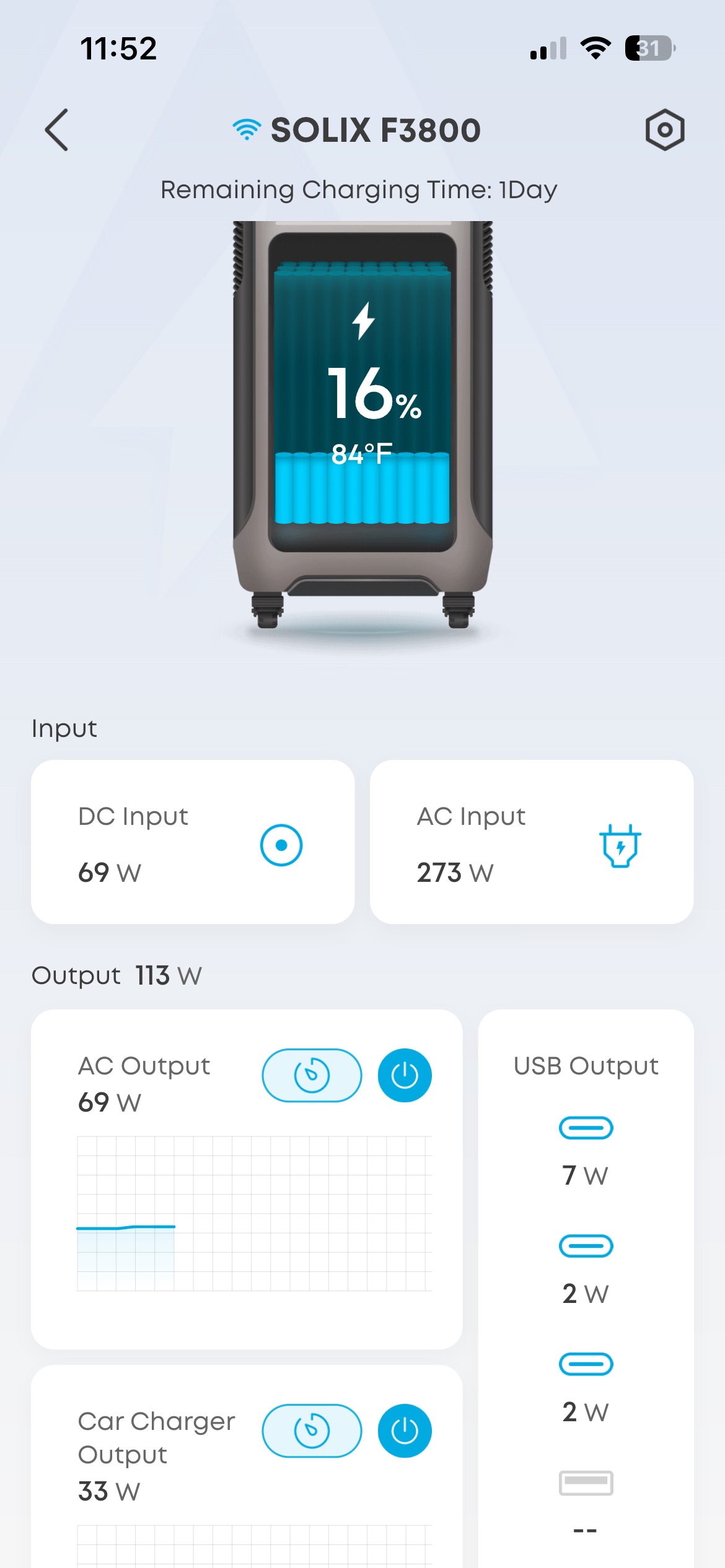
Anker’s F3800 (in my case non-plus) is a great home backup/mobile backup battery from the specs but not having any way of getting global notifications defeats it’s use as backup. Now, I am using it to load shift, which is distinctly different from home backup. Load shifting requires more data but even if you’re only using it for backup it is still too easy for the storage to run out without strong enough notifications for a user to take action.
Of course my preference is integration with Home Assistant. There may be ways of hacking this physically, there have been attempts with software that I’ll follow up on, but it seems like physical additions (not necessarily modifications) might be the best method.
More soon.
Updated and Retried with Firmware v2.4.0: 12/03/25
