As mentioned previously there is an amazing community Solix API for Anker devices, including the F3800, but Anker has also started their own API. They have only just started the library but it is everything one could potentially ask for an open library with local Modbus control.
Currently there is only support for a smart socket but this kind of local control is almost anathema for so many other tech software and hardware it is easy to get excited. They aren’t promising older hardware will work but even if they only support devices going forwards that would still be very impressive.
Updated and Retried on Home Assistant 2026.3.2 2026/4/15
While there is an official fix for Mach-E’s 12v issues there is a Ford Pass app (unofficial of course) for Home Assistant that allows you to track and set a notification for the 12v battery. (Along with a host of other things.)
The login process is not super easy but once added the level of integration is excellent and, best of all, includes a readout of the 12v status. From there, setting up a automation triggered by the battery level is fairly straightforward. At the moment, I have it set to notify if the level drops below 40%. Usually the battery cycles around the %60 level, not usually dropping much below there so %40 seems like a good buffer.
First massive massive kudos to https://github.com/thomluther and all the folks working on the https://github.com/thomluther/anker-solix-api/ Anker Solix API. I cannot believe how far they have come in such a short period of time. There is now a usable Sensor API for the F3800 without the need for the power panels or other connections, all that is needed is the base unit.
At the moment, the MQTT decoding expects a base unit without add-on (official) batteries. (As far as I can read.) The install steps are fairly easy:
Install the HA version of the API via the HACS link.
Log-in using your Anker account.
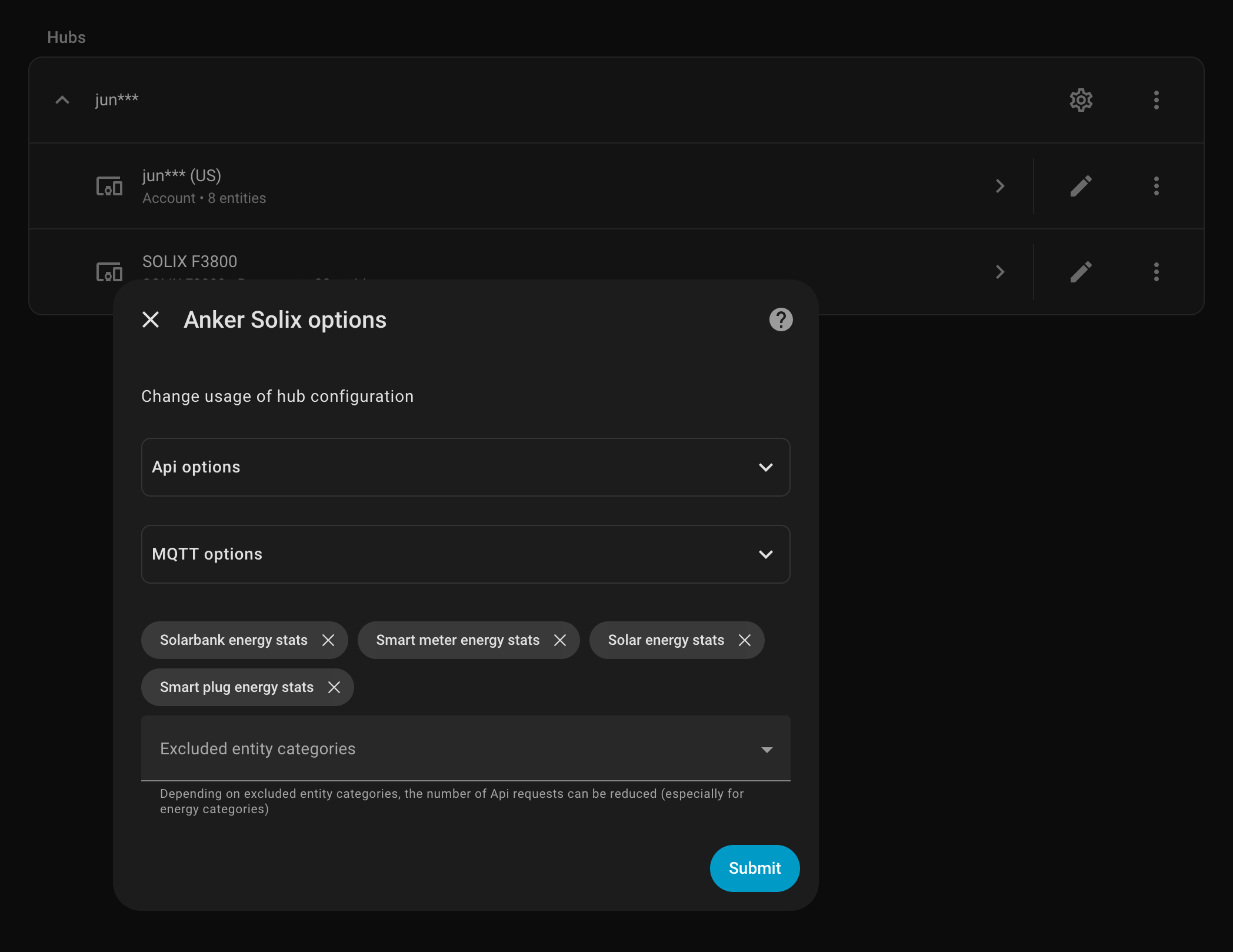
Enable MQTT via the overall (gear) options.
And after MQTT runs for the first time the sensor stats will populate. At the moment there aren’t options to edit options on the unit, turning off and on outlets or other options but that isn’t super important in my current use of just powering the mini-servers, networking gear, and chest freezer. It isn’t turning services off and on or trying to load shift in any complicated way.
This is so useful for finally seeing just how much each server is using, how much solar it brings in, or just how depleted the battery is. The off-grid solar isn’t bringing in enough power during the winter to allow charging the car or dumping extra load anywhere but in the spring and summer this will be hugely useful.
(Also, note, do not know if this works with the F3800 Plus.)
Updated and Retried on Home Assistant 2025.11.3 12/03/25
Smart Batteries have their issues but being able to monitor them in Home Assistant is convenient and mostly works well. (Yes, another option is a smart shunt.)
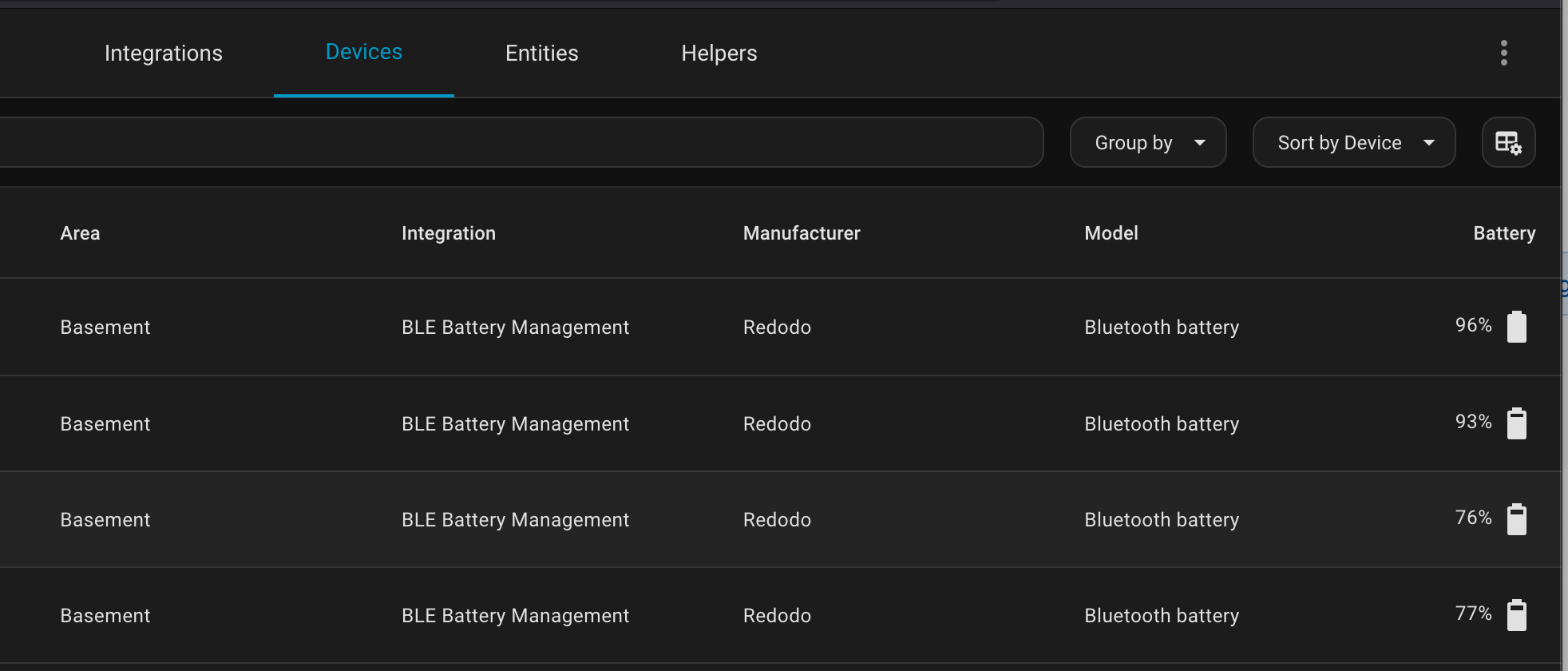
Fortunately, as usual with Home Assistant, there is an awesome plug-in via HACS, the Home Assistant Community Store, for all these bluetooth BMSes via BMS_BLE-HA.
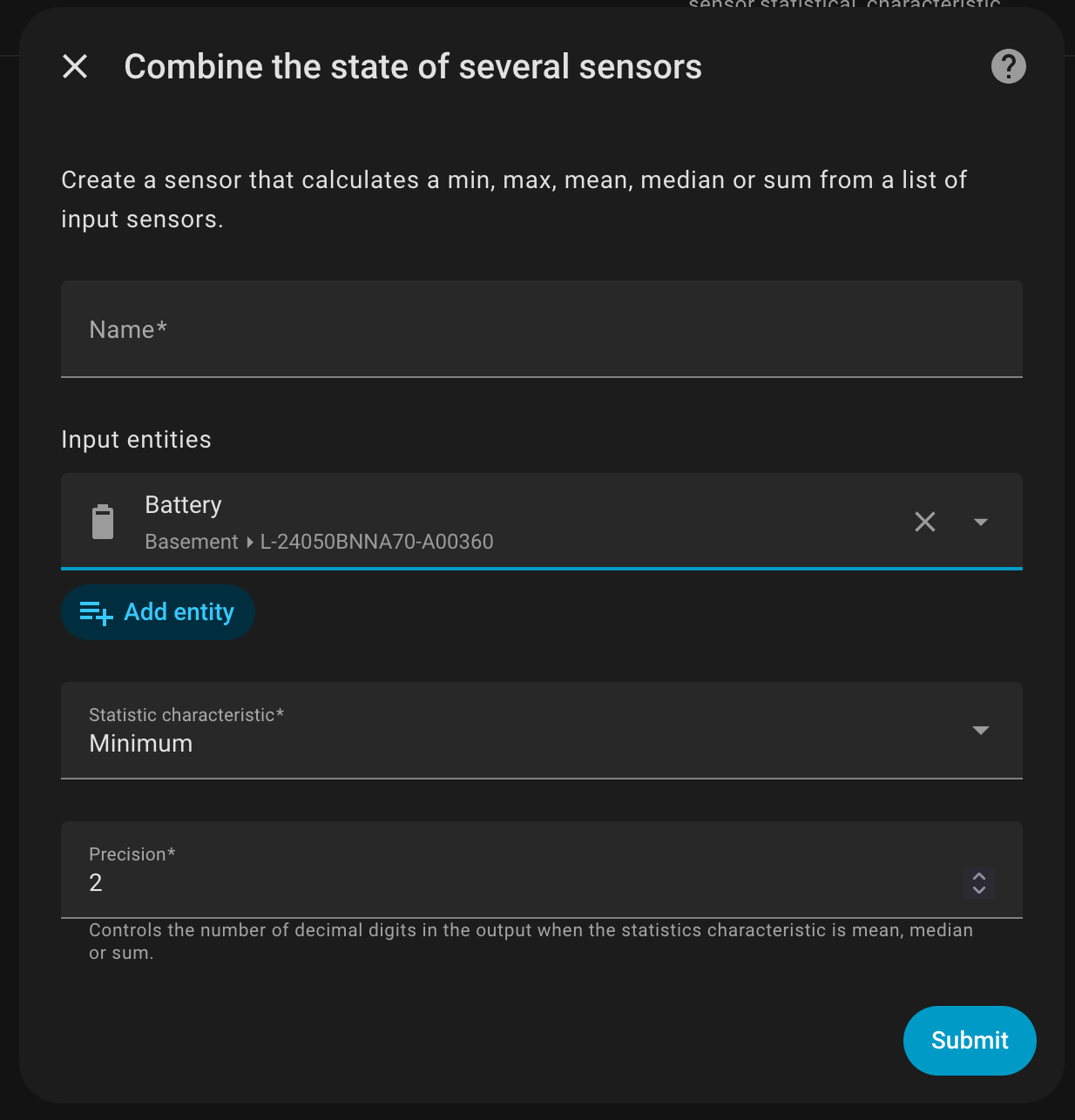
Once the batteries are showing in the BLE Management, you can then create a helper to combine the status of these. Now, granted, if these batteries are series and paralleled correctly their charge states should stay very close but this is helpful for a quick look. Also this could be set up to notify you if the voltages or charge states do drift.
Updated and Retried on Home Assistant 2025.11.3 12/03/25
TrueNAS has running been excellently on a random collection of HDDs, 9th Gen Intel, and older NVidia GPU parts but it can be a lot to manage. Enabling and discovering apps on TrueNAS is easy but, in my experience, fully configuring the apps can be more difficult than than editing Docker Compose files. So when it came time to replace as many cloud services as possible with 1 N150 Mini PC, I decided to use Docker Compose instead of TrueNAS or another more managed solution. Currently the system is running:
Samba file sharing, general file management.
Anytype noting Server.
LEMP Server.
Kimai Time Tracking.
NextCloud Contacts and Calendar Server.
Plex Video Server.
JellyFin Music Server.
Everything works a treat. Need to implement backups to TrueNAS (which it excels at) but otherwise I find it much easier to manage and add services with single docker-compose.yml files rather than going through a UI. The real test is when I start to try out Kubernetes.
In seeming opposite to the pain of trying to set up remote visual management, Ubuntu seems to handle dual WiFi and dual ethernet connections surprisingly well right out of the box. With a dual 2.5 gig N100 Mini PC, I have it set up so each pair has an input and share.
Normally the PC does not have a connection but inserting a WiFi USB enables the WAN connection. The WiFi hotspot is always enabled, though hidden, so remote management and files are always available.
For the wired connection, a similar setup with one 2.5 NIC as an input and the other shared to any systems that are connected. (Link aggregation not configured.)
Definitely need to document a few scenarios but the out-of-the-box set up is very useful.