First massive massive kudos to https://github.com/thomluther and all the folks working on the https://github.com/thomluther/anker-solix-api/ Anker Solix API. I cannot believe how far they have come in such a short period of time. There is now a usable Sensor API for the F3800 without the need for the power panels or other connections, all that is needed is the base unit.
At the moment, the MQTT decoding expects a base unit without add-on (official) batteries. (As far as I can read.) The install steps are fairly easy:
- Install the HA version of the API via the HACS link.
- Log-in using your Anker account.
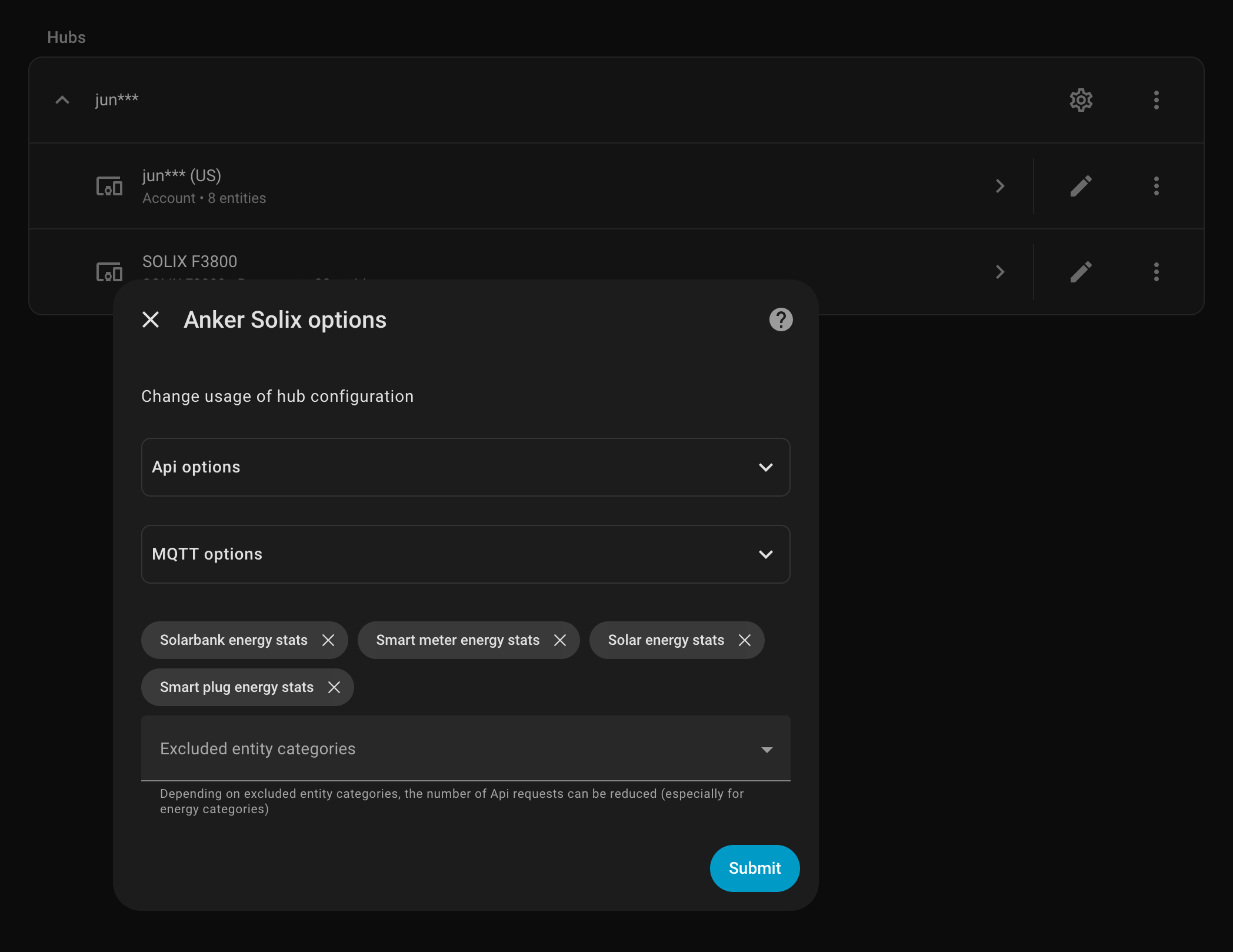
- Enable MQTT via the overall (gear) options.
And after MQTT runs for the first time the sensor stats will populate. At the moment there aren’t options to edit options on the unit, turning off and on outlets or other options but that isn’t super important in my current use of just powering the mini-servers, networking gear, and chest freezer. It isn’t turning services off and on or trying to load shift in any complicated way.
This is so useful for finally seeing just how much each server is using, how much solar it brings in, or just how depleted the battery is. The off-grid solar isn’t bringing in enough power during the winter to allow charging the car or dumping extra load anywhere but in the spring and summer this will be hugely useful.
(Also, note, do not know if this works with the F3800 Plus.)
Updated and Retried on Home Assistant 2025.11.3 12/03/25


Leave a Reply to No F3800 API is a dealbreaker | Whitney Krape Cancel reply