Category: Ubuntu 25.04

  • Hide the TimeMachine SMB to avoid more permissions issues

    Pointing out a key element in the SMB code posted before.

    [smb-name-for-timemachine]
      ...
      valid users = timemachinename00, timemachinename01
      ...

    For the valid users, be sure to:

    1. Create SMB users for each separate system.
    2. Don’t include wider SMB users. If you accidentally click into that share in Finder on OSX, you’ll end up messing up the permissions for any other SMB you have loaded.
    3. If you change users or shares you’ll probably have to delete the old timemachine file and start again. You might be able to fix permissions but probably not worth going down that path.

    So far the setup is working (along with so many other services from the same N150 powered Ubuntu) really well and well worth the 2-3 hours of setup and refining times.

    Updated and Retried with Ubuntu 25.04 and MacOS Tahoe 26.0.1: 11/19/25
  • Nevermind, Immich on a shared N150, 70k files in 1 week

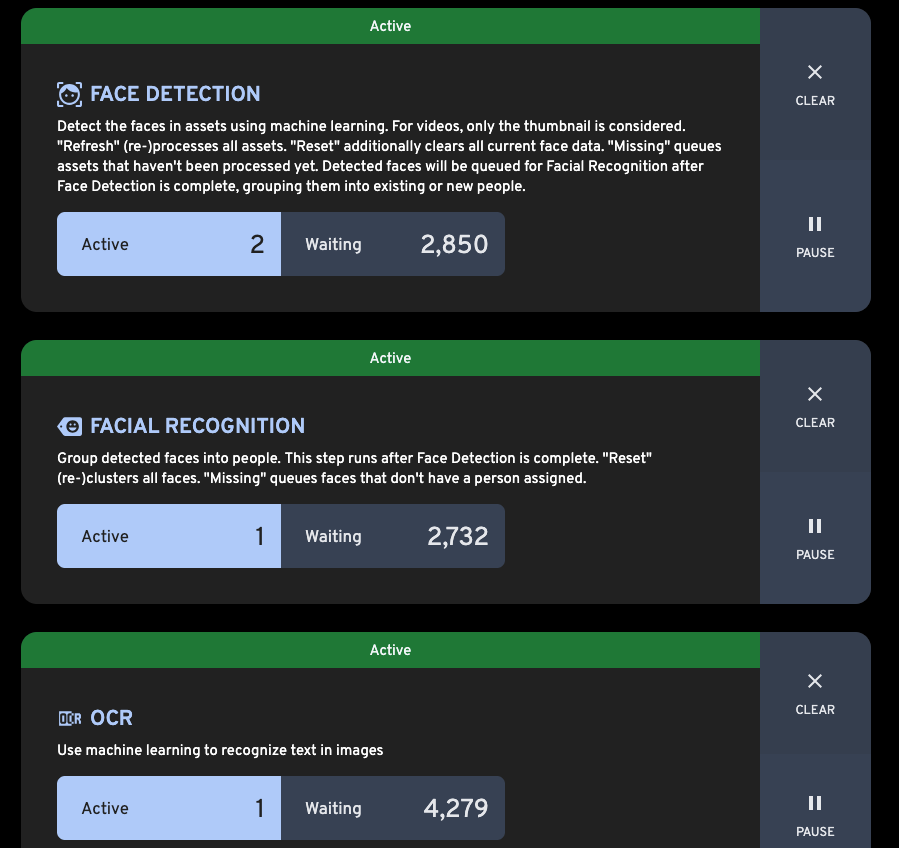
    With 70k+ photos and movies coming into immich; getting all new thumbnails, and organization I thought it would be months before the limited Intel N150 would finish processing but it may just be weeks. In fact, the library was usable almost overnight. Around 20k iCloud files came in about 2-3 hours. It seems like the RAW photos and video are taking the most time, as would be expected.

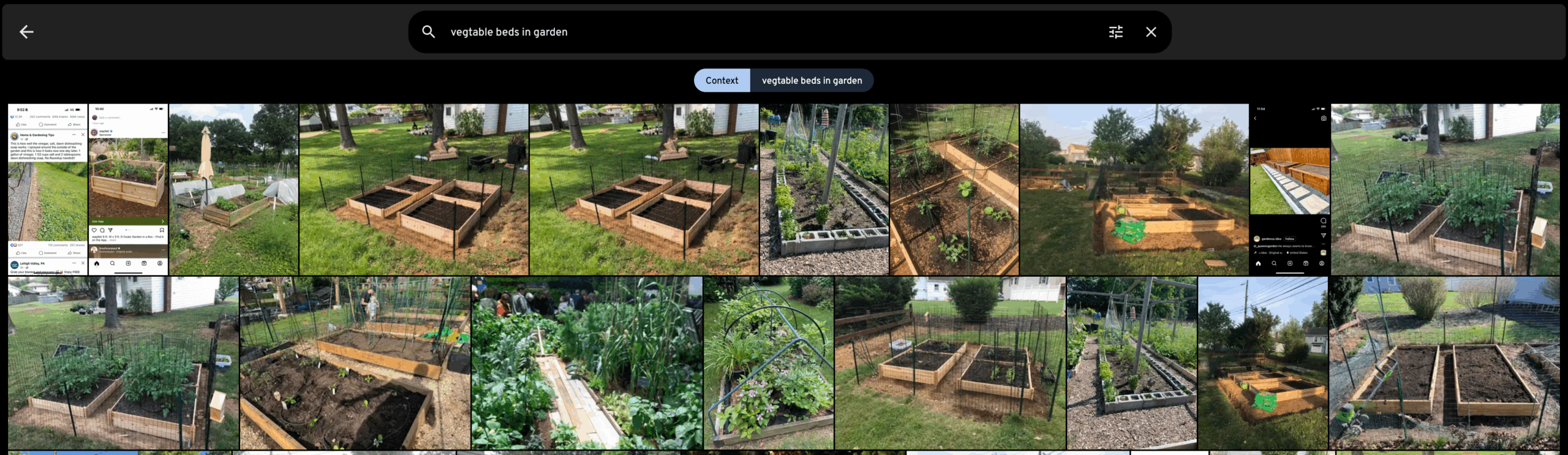
    What is more, the search already is producing great results.

    Need to revisit all the numbers but so far, impressive speed, and UX is great. Not doing everything standard though. We have iCloudPD pulling in images rather than using the phone backup but will go into more detail later.

    Updated and Retried on iOS and Ubuntu 25.04 powered by an N150 and 16 GB RAM 2025/11/10

  • Jellyfin for Music so far…

    While I bought a perpetual Plex license ages ago, I haven’t tried it for music yet. I opted to try Jellyfin first out of curiosity and see how easy it would be to get going in about 1 hour. From installing Jellyfin (on a non-LTS Ubuntu) to adding media, installing an iOS client, and playing music has come in just under that.

    Main issues so far:

    1. The official Jellyfin app doesn’t keep playing music on an iOS when closed.
    2. Tried Finamp briefly, worked, but no Carplay.
    3. Moved to Manet Music (which has a paid tier for Mac support) and so far working overall.

    Might try Plex music to see how it compares. Being able to call out tracks for a toddler on a roadtrip would be a north star to aim at for sure. So far, good.

    Updated and Retried on iOS and Ubuntu 25.04 2025/11/07

  • Running Immich on an Intel N150 with 70k+ photos is, maybe, not advisable

    Running Immich on an Intel N150 with 70k+ photos is, maybe, not advisable

    Revisited: Great results here!

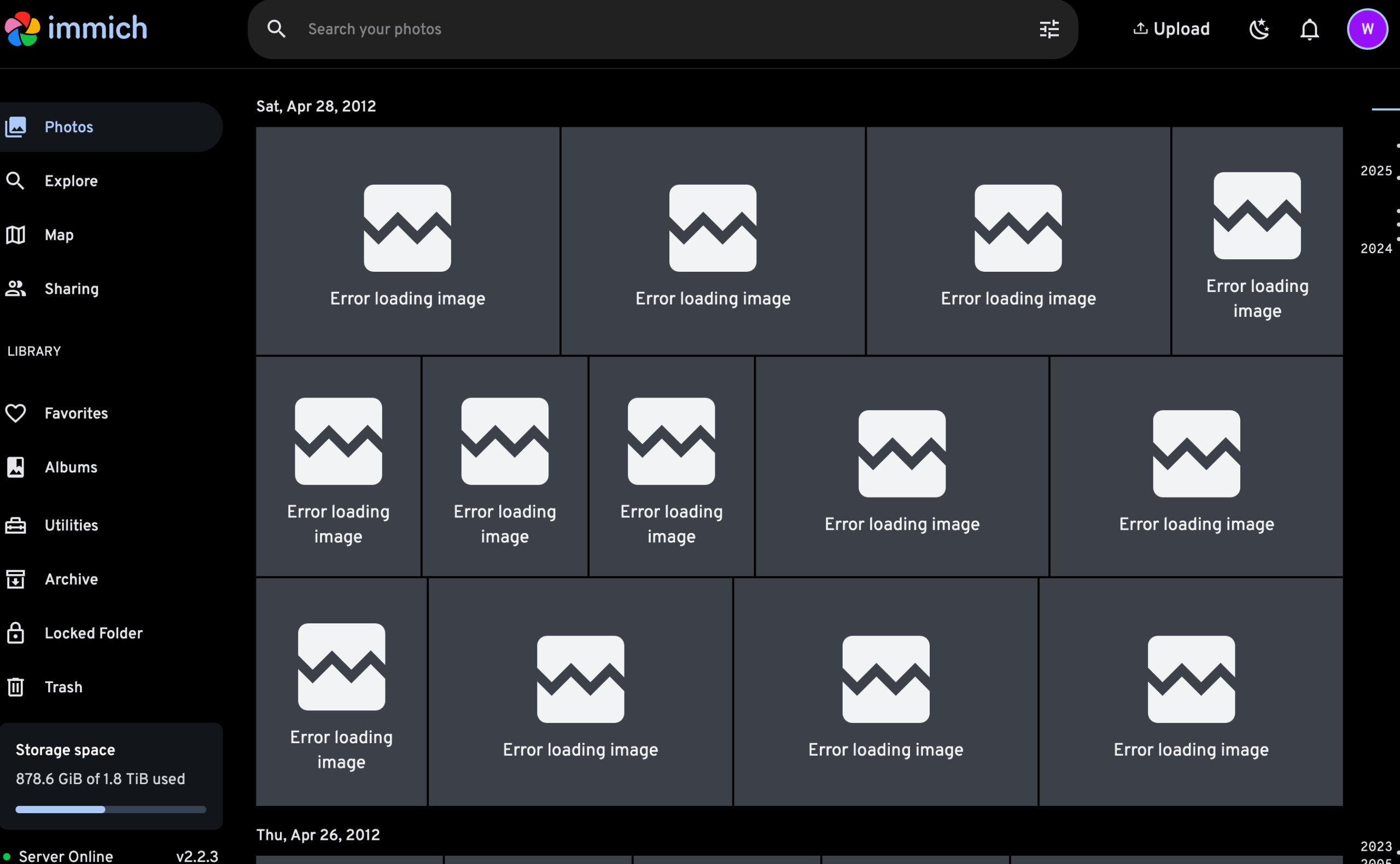
    Another back and forth between software options this time Immich versus Photopixel. Photopixel was, fine? But not great. So I’ve set up the Docker Compose for Immich and pointed it to 2 external libraries to start digesting. While it is surely pulling everything in it is doing so slowly. Nearly all images are showing “Error loading image” without much explanation. That said, older years are starting to show thumbnails and open fully after about 8-10 hours of processing.

    Ideally, this would be set up as a Kubernetes cluster but, not having done that before, that will take some time to learn.

    On Photopixel. I wouldn’t dissuade folks from trying it but my issues were:

    1. Performance. Thumbnails, even on a faster system, seemed to take a while to populate while scrolling. So far Immich shows blurry previews quickly and resolves to a preview much faster.
    2. UX for downloads. It was a pain to get to a download of an image. You have to go through a couple clicks to just download the file, Immich it’s right at the top.
    3. UX overall. Not going to be exhaustive here but overall Immich feels like photos stay front and center and menus are thoughtfully off to the side and laid out well in the options rather than being so front and center with Photopixel.

    Need to do a proper breakdown but happy with Immich so far, just a little painful with a large library and a fairly “slow” system.

    Updated and Retried on Ubuntu 25.04 and a 16 GB RAM Intel N150 2025/11/10

  • Jellyfin Docker Compose is Brilliant

    After the little snafu of DuckDuckGo’s Assist box showing non-official directions, I tried the Docker Compose install and, with just a little set up.

    My docker-compose.yml here. Most of the changes are commenting out the user, running it as root, and hiding the environment configuration for now.

    Also note using the Plex media folder for everything, which is not the best idea. Here permissions wasn’t an issue, running as root, but probably should move things around and have this properly organized. For now though, everything gets dumped in there.

    So far, using Jellyfin as a music streamer with a specific client, Finamp, works great.

    services:
      jellyfin:
        image: jellyfin/jellyfin
        container_name: jellyfin
        # user: plex:plex
        ports:
          - 8096:8096/tcp
          - 7359:7359/udp
        volumes:
          - ./config:/config
          - ./cache:/cache
          - type: bind
            source: /var/lib/plexmediaserver/Library/audio/
            target: /media
          # Optional - extra fonts to be used during transcoding with subtitle burn-in
        restart: 'unless-stopped'
        # Optional - alternative address used for autodiscovery
        # environment:
          # - JELLYFIN_PublishedServerUrl=http://example.com
        # Optional - may be necessary for docker healthcheck to pass if running in host network mode
        extra_hosts:
          - 'host.docker.internal:host-gateway'

    Updated and Retried on 25.04 11/04/25

  • Avoid MacOS Time Machine issues with Ubuntu SMB by Separating Users

    Avoid MacOS Time Machine issues with Ubuntu SMB by Separating Users

    Warning: Manage SMB users carefully.

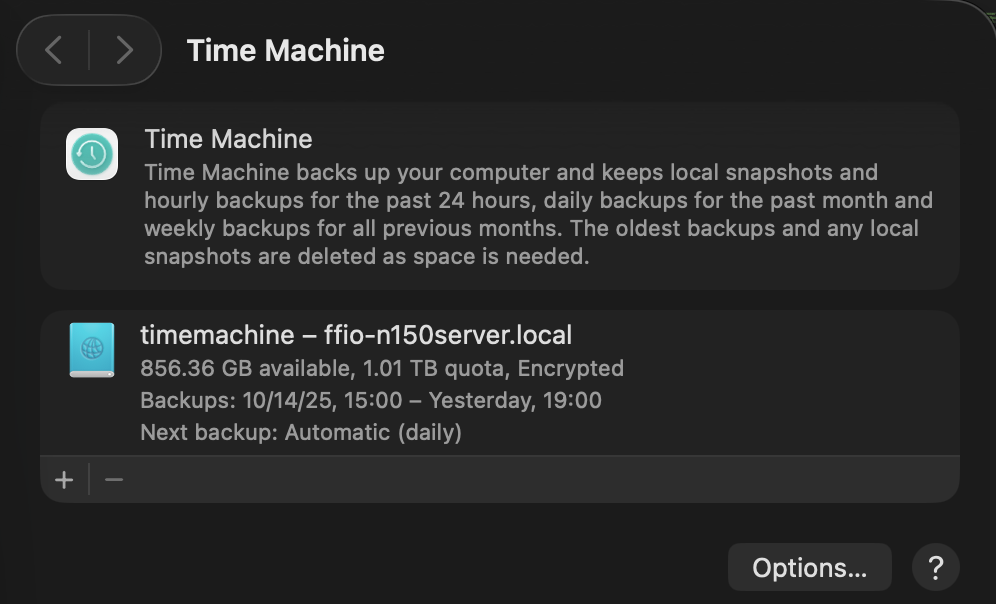
    Using Time Machine along with SMB shares seems to cause an issue when the backup runs the other SMB shares stop working. What is likely happening is MacOS is locking the files as it starts the backup to avoid read write problems.

    Separating the users, as in having one SMB user for files sharing and a second for Time Machine seems to solve the issues.

    Fortunately, setting up an SMB share for Time Machine is pretty straightforward and developer Marinus Klasen has a great guide. I’ve simplified what is needed an added it below at the bottom. General steps.

    1. First, create the users and set up the disks on Ubuntu. Add 2 SMB users (guide on that below.)
    2. Update the Ubuntu’s SMB settings.
    3. Set up Time Machine on MacOS before connecting to SMB shares. The share you’re looking to use should show in the list.
    4. Connect to your other SMB shares and go!

    There’s a great quick guide on ask Ubuntu about adding a CLI only SMB user on Ask Ubuntu.

    ## For TimeMachine Config ##
    # Fruit global config
      fruit:aapl = yes
      fruit:nfs_aces = no
      fruit:copyfile = no
      fruit:model = MacSamba
    
    [timemachine]
       # Load in modules (order is critical!)
       vfs objects = catia fruit streams_xattr
       fruit:time machine = yes
       fruit:time machine max size = 1.5T
       comment = Time Machine Backup
       path = /TimeMachine (CHANGE THIS)
       available = yes
       valid users = timemachine (Maybe don't permit other SMB users.)
       browseable = yes
       guest ok = no
       writable = yes

    Ask Ubuntu

    Updated and Retried with Ubuntu 25.04 and MacOS Tahoe 26.0.1: 11/19/25