With DIY, quite often there are solar panels that wait a little while before getting put into service. Getting a pack of MC4 caps is cheap and saves a load of headache. Just a quick PSA.
(Not affiliated, link to RES Supply.)
With DIY, quite often there are solar panels that wait a little while before getting put into service. Getting a pack of MC4 caps is cheap and saves a load of headache. Just a quick PSA.
(Not affiliated, link to RES Supply.)
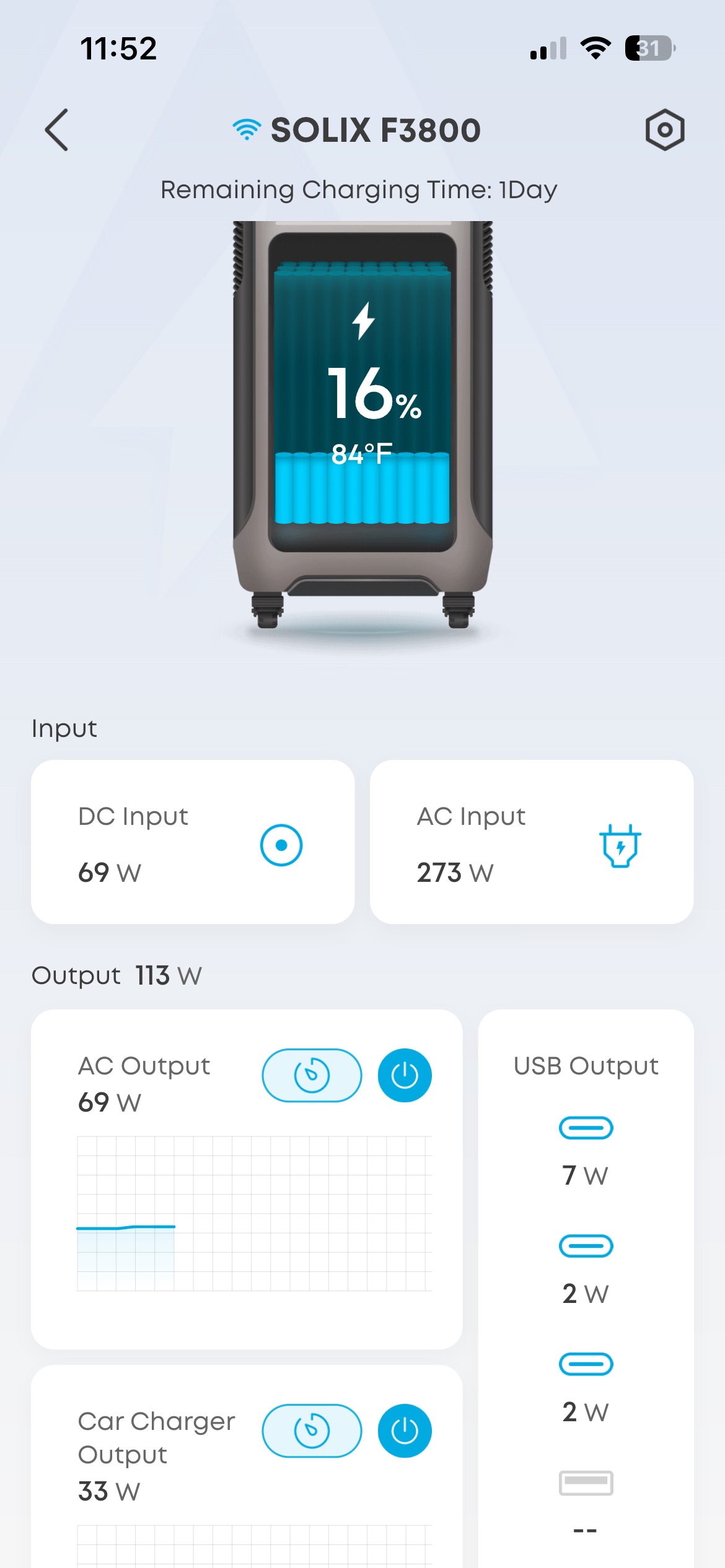
Update: There is an MQTT sensor API!
Anker’s F3800 (in my case non-plus) is a great home backup/mobile backup battery from the specs but not having any way of getting global notifications defeats it’s use as backup. Now, I am using it to load shift, which is distinctly different from home backup. Load shifting requires more data but even if you’re only using it for backup it is still too easy for the storage to run out without strong enough notifications for a user to take action.
Of course my preference is integration with Home Assistant. There may be ways of hacking this physically, there have been attempts with software that I’ll follow up on, but it seems like physical additions (not necessarily modifications) might be the best method.
More soon.
Updated and Retried with Firmware v2.4.0: 12/03/25
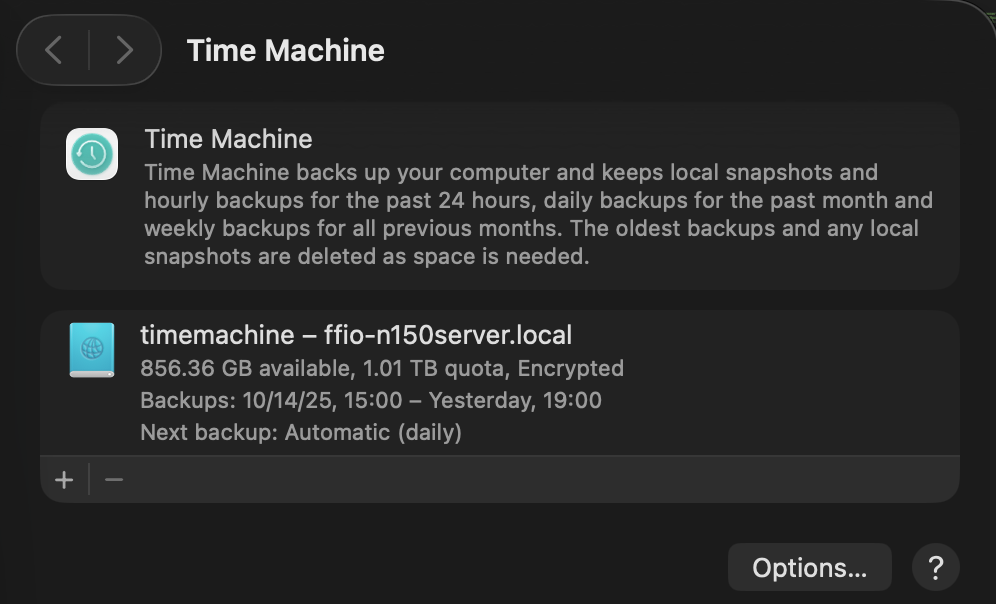
Warning: Manage SMB users carefully.
Using Time Machine along with SMB shares seems to cause an issue when the backup runs the other SMB shares stop working. What is likely happening is MacOS is locking the files as it starts the backup to avoid read write problems.
Separating the users, as in having one SMB user for files sharing and a second for Time Machine seems to solve the issues.
Fortunately, setting up an SMB share for Time Machine is pretty straightforward and developer Marinus Klasen has a great guide. I’ve simplified what is needed an added it below at the bottom. General steps.
There’s a great quick guide on ask Ubuntu about adding a CLI only SMB user on Ask Ubuntu.
## For TimeMachine Config ##
# Fruit global config
  fruit:aapl = yes
  fruit:nfs_aces = no
  fruit:copyfile = no
  fruit:model = MacSamba

[timemachine]
   # Load in modules (order is critical!)
   vfs objects = catia fruit streams_xattr
   fruit:time machine = yes
   fruit:time machine max size = 1.5T
   comment = Time Machine Backup
   path = /TimeMachine (CHANGE THIS)
   available = yes
   valid users = timemachine (Maybe don't permit other SMB users.)
   browseable = yes
   guest ok = no
writable = yesUpdated and Retried with Ubuntu 25.04 and MacOS Tahoe 26.0.1: 11/19/25
